CalorieCalc Mobile App
Official v2.0.0 Release
Fitness, Calorie & Nutrition Tracker in Your Pocket
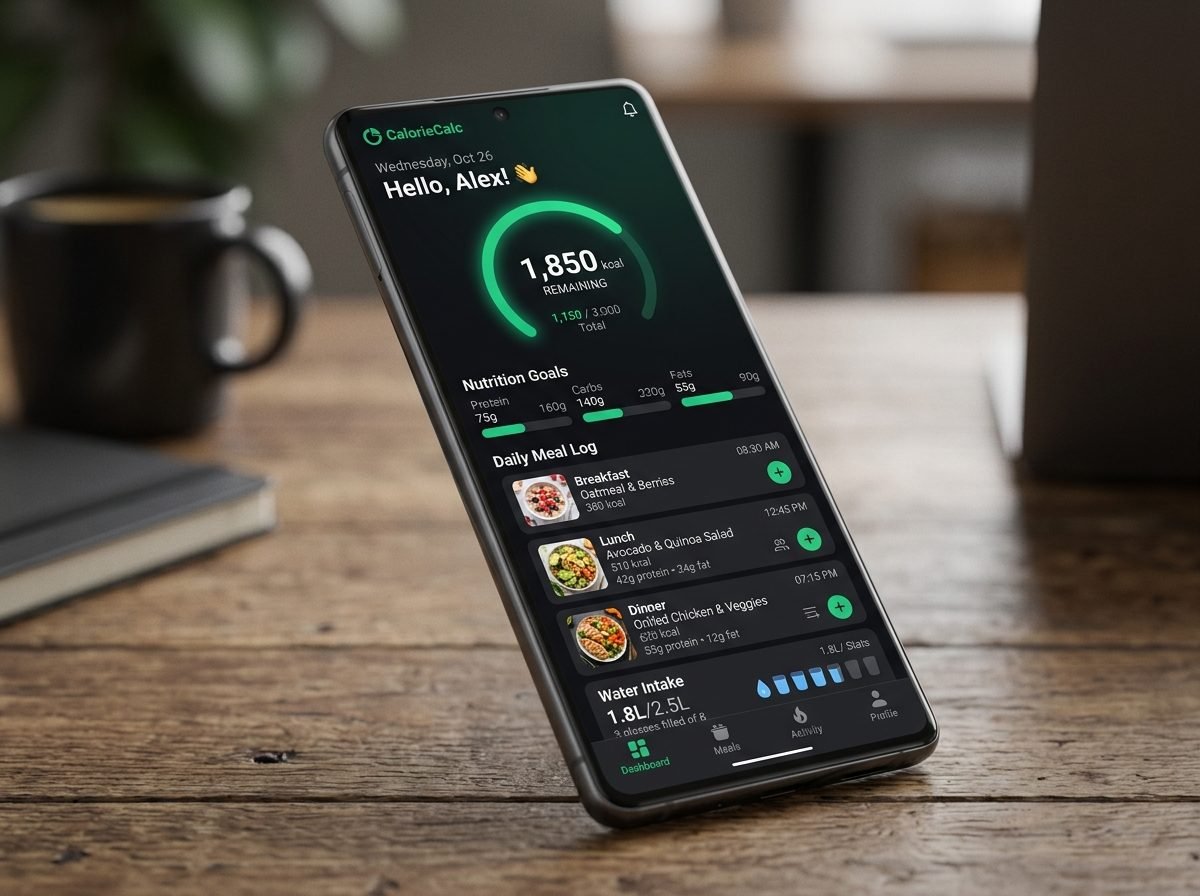
Experience 100% offline-ready clinical calculators, daily meal logging, macro distribution rings, water intake tracking, and synchronized cloud storage.
- 100% Free & No Ads
- Works Fully Offline
- 7 Clinical Real-Math Calculators
- Daily Meal & Workout Logs
- Hydration Water Tracker
- Dark Mode & Multi-Language
🛡️ Verified Safe • Android 8.0 to Android 15+ • Direct Offline Install
Step-By-Step Setup
Choose Your Installation Method
Simple installation on Android smartphones, Apple iPhones, or Desktop computers.
🤖
Android Direct APK
Native Android package file for offline installation.
- Download
CalorieCalc-v2.0.apk. - Tap to open file from Downloads.
- Allow "Install unknown apps" if prompted.
- Launch CalorieCalc from your home screen.
🍎
Apple iOS (iPhone / iPad)
Add to iPhone Home Screen with native app experience.
- Open in Safari on iPhone.
- Tap the Share button (📤 square with arrow).
- Scroll down and select "Add to Home Screen" ➕.
- Tap "Add" in top-right corner.
💻
Desktop App Window
Standalone window on Windows, Mac, or Linux.
- Open website in Chrome, Edge, or Brave.
- Click the Install Icon (⊞) in address bar.
- Click "Install" to add to desktop app menu.
- Enjoy standalone fast window.